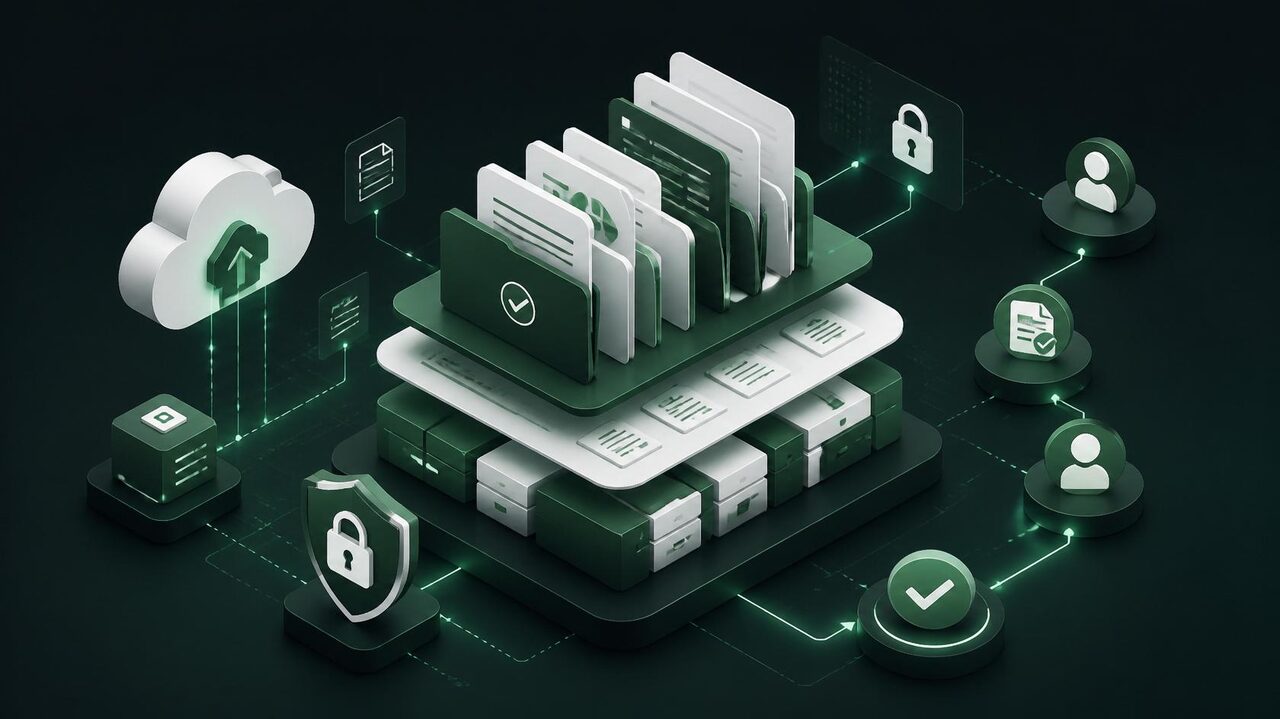
Document Management Core
- Full version and history control
- Structured and auditable approval workflow
- Tree view (Company > Contract > Area > Type)
- Smart trash with restore
Why DocFlow?
Smart templates
Automatic classification
Automated distribution
Compliance and security
Governance
Traceability
How it works
Existing documents come in with metadata and access level.
Who reviews, who approves and who is notified at each publication.
Each new version preserves the previous one and notifies those with access.
Protected reading in the field, without downloading the original file.
Measurable gains
Frequently asked questions
How is DocFlow different from a shared drive?
A drive stores files; DocFlow controls revisions. The difference shows in an audit: you have to prove the current version is the one in use and that everyone who needed to know was notified of the change — things a drive doesn't record.
Can we migrate what we already have?
Yes. Bulk import brings documents in with their metadata, and revision control applies from entry onward.
How does confidentiality control work?
Access level is set per document. Those without permission don't see the document in search and don't know it exists.
Can field teams access it?
Yes, through the phone's browser, with protected reading and no need to download the file.
What happens to the old version when we publish a revision?
It's preserved and remains available in the history. Nothing is deleted — what changes is which version is marked as current.